01
Arrange categories around the service flow
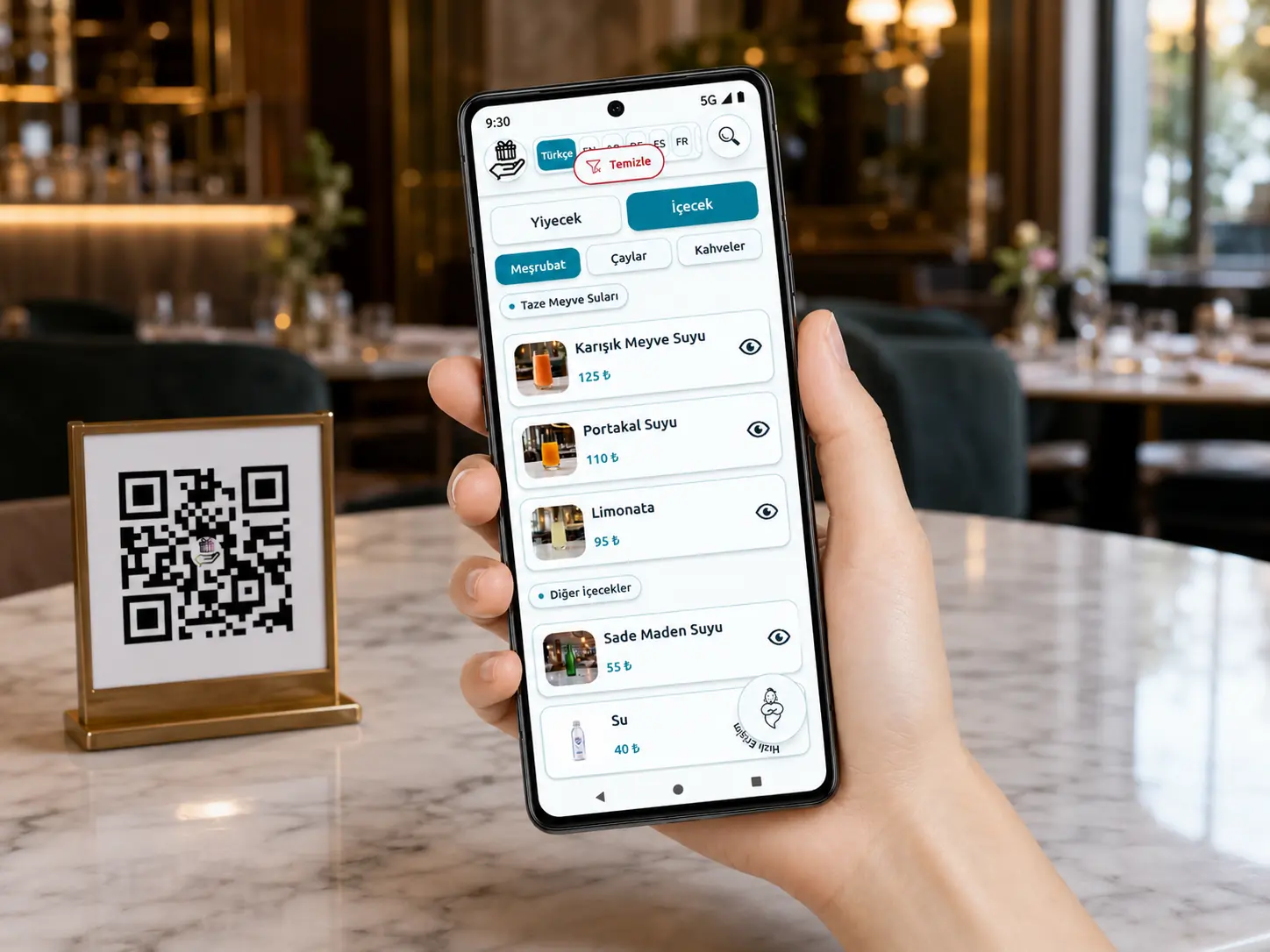
Coffee, other hot drinks, cold drinks, food, and desserts follow a clear order that guests can scan quickly.
New cafe opening guide
A new cafe menu is more than a list of product names. Categories, drink sizes, options, prices, images, and update responsibilities should follow one structure before opening day. Em QR Menu brings that structure to mobile screens.

Before opening
Coffee recipes, hot or iced options, drink sizes, extras, desserts, and food can depend on decisions from different teams. Moving to design before consolidating this information can create product-name or price differences among the till, printed list, and digital menu.
During Em setup, categories, products, variants, prices, descriptions, and images are organized into a publish-ready structure. If frequent changes are expected, the separate Emadmin product lets authorized staff manage content. A setup without a panel can also be considered for a more stable menu.
Opening discipline
A sound setup provides more than a polished menu: it creates pre-opening data checks and a clear post-opening update routine.
01
Coffee, other hot drinks, cold drinks, food, and desserts follow a clear order that guests can scan quickly.
02
Small, medium, and large variants are organized with the relevant prices, reducing repetitive and confusing product rows.
03
Products and prices that change close to opening can be published at the same QR menu address without generating a new menu file and QR code for every revision.
04
Once the required translations are prepared, Em can present the same menu structure in its 12 supported languages.
Em QR Menu features
Em is the QR menu interface used by guests. Emadmin is the separate product offered to manage menu content.
Once the menu has loaded, search runs on the device so guests see matching products and variants as they type.
Instead of a long PDF, categories, product details, images, variants, and prices are presented in a mobile-friendly layout.
Guests can switch between 12 supported languages with one tap and browse the same menu structure in their language.
The preference wizard, AI-assisted recommendations, and a personal short list help guests narrow down their options.
Address, map, opening hours, payment methods, and social accounts can appear in a side panel, while colors can reflect the brand.
When Emadmin is used, categories, products, variants, prices, campaigns, and language content can be updated through the panel.
Frequently asked questions
The exact timing depends on product count, image readiness, and language scope. A reliable plan leaves separate time for content entry and checks on different phones before QR materials are printed.
Yes. The structure can begin with the category, product, variant, and price inventory, but the team should decide which images must be live at opening and when the remaining images will be added.
No. A cafe with infrequent menu changes can consider a setup without a panel. Emadmin is better suited to cafes that want staff to update products, prices, campaigns, or language content frequently.
No. The standard scope does not promise a till integration. The business should establish an operating process that keeps till and published menu prices current from the same approved source.