01
Compare the product experience provided
Do not price a mobile category, product detail, variant, fast search, and 12-language experience as if it were only a PDF link.
Restaurant QR menu cost
Restaurant cost is shaped by tenant or standalone setup, the number of managed QR menus, and the optional Emadmin plan. Menu size is a separate scope factor that affects content preparation and operational update needs.

Pricing components
Tenant setup focuses on a lower starting cost, while standalone publishes the menu on the business’s own domain. One restaurant menu and several separately managed menus for branches or service points do not produce the same total.
An Emadmin plan can be selected separately when the restaurant team needs to update products and prices frequently. A setup without a panel can be considered for a more stable menu. The banner displays starting amounts dynamically, while the pricing tool produces a quick estimate from the selected setup, plan, and menu count.
Em QR Menu features
Em is the QR menu interface used by guests. Emadmin is the separate product offered to manage menu content.
Once the menu has loaded, search runs on the device so guests see matching products and variants as they type.
Instead of a long PDF, categories, product details, images, variants, and prices are presented in a mobile-friendly layout.
Guests can switch between 12 supported languages with one tap and browse the same menu structure in their language.
The preference wizard, AI-assisted recommendations, and a personal short list help guests narrow down their options.
Address, map, opening hours, payment methods, and social accounts can appear in a side panel, while colors can reflect the brand.
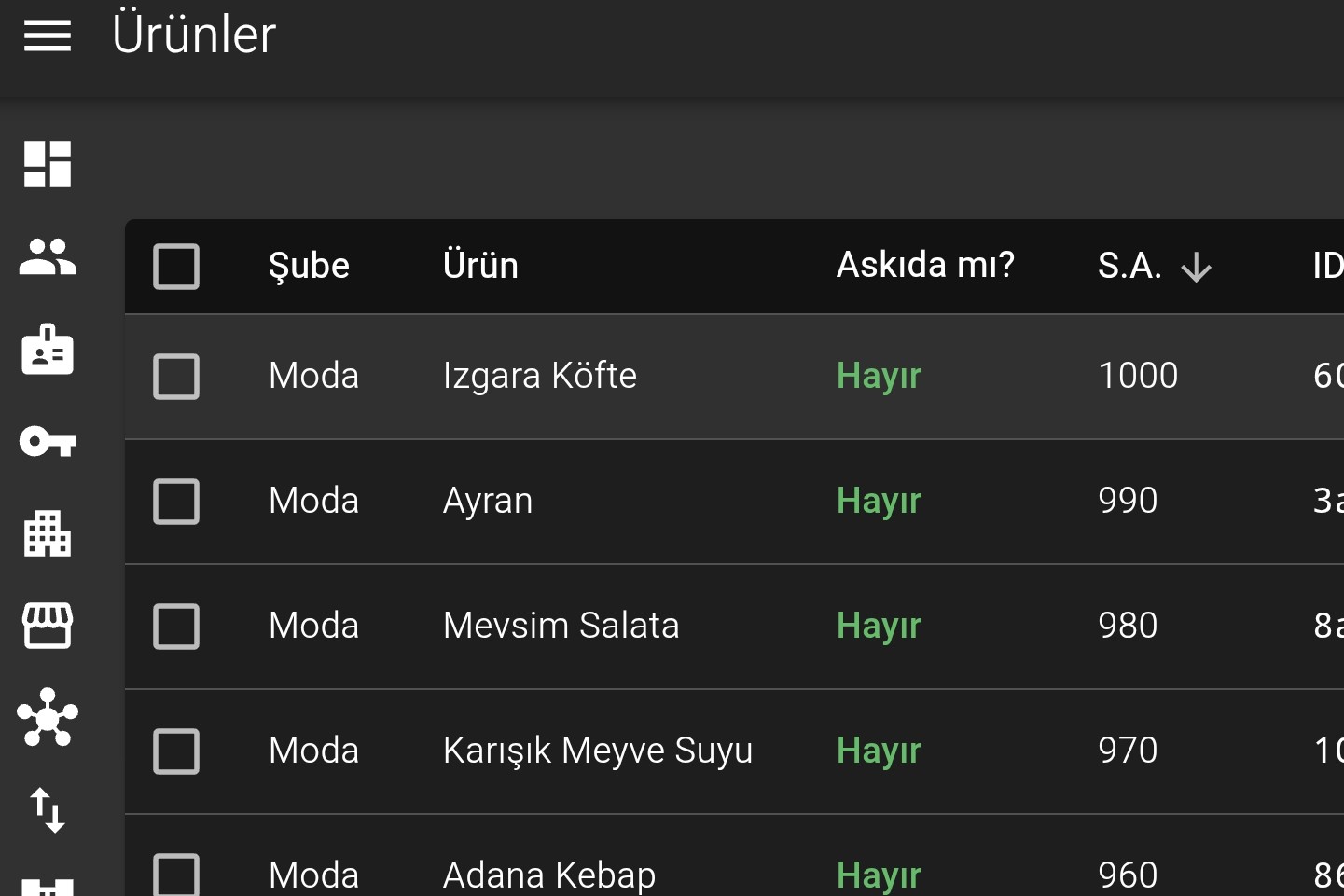
When Emadmin is used, categories, products, variants, prices, campaigns, and language content can be updated through the panel.
Frequently asked questions
The core pricing-tool calculation uses setup type, Emadmin plan, and managed QR menu count. A very large or disorganized content set is reviewed separately as part of data preparation and setup scope.
The scope can be reviewed together if branches use the same products, prices, and business information. If their content differs, separate QR menus may be required, and the calculation should use the actual number managed.
An Emadmin plan is better suited when authorized staff need to update products, variants, prices, campaigns, and languages directly. A setup without a panel can be considered when changes are infrequent.
The pricing banner marks amounts as excluding VAT. VAT display can be selected in the pricing tool, and tax and scope details are confirmed in the final quote.