01
Switch between 12 languages with one tap
The supported languages, including Turkish and English, let international guests browse the same menu structure in their language.
Hotel QR menu solution
Em QR Menu organizes room service, breakfast, minibar, restaurant, and lobby bar products through categories. Guests open the menu without downloading an app, switch between 12 supported languages, and review product details.

Multilingual guest experience
Hotels need to present different product groups such as breakfast, restaurant, room service, minibar, and lobby bar clearly. Em brings the category, product, variant, image, and price structure to a mobile browser. Depending on the setup scope, content can be organized as categories in one menu or as separate QR menus.
Guests can browse the menu in one of 12 supported languages. Address, map, opening hours, payment methods, and contact details can be shown in the business information panel. When Emadmin is used, authorized team members can update published content through the panel.
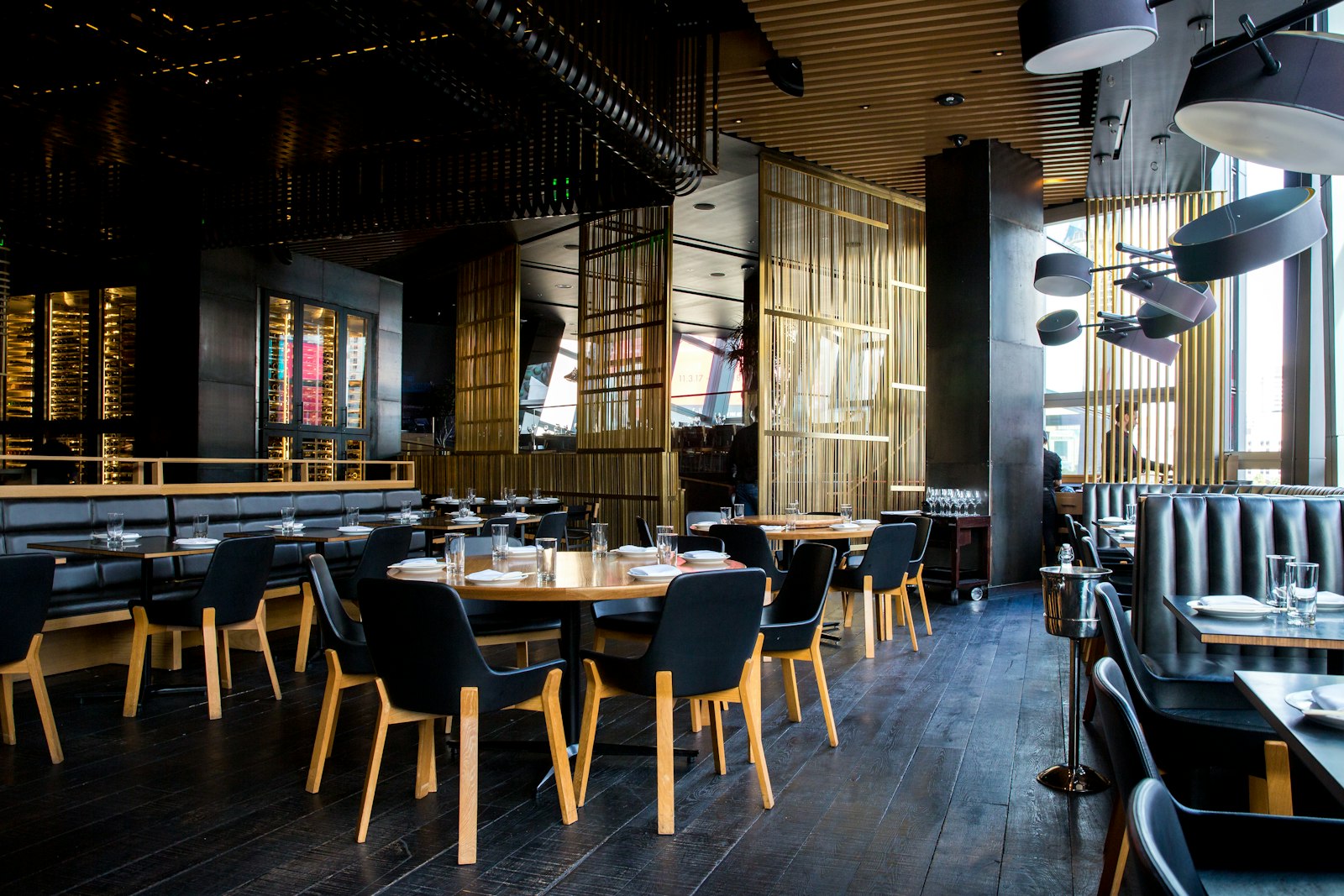
Adapted for hotel use
Em’s multilingual, category, search, and management features are configured around the hotel’s food and beverage presentation.
01
The supported languages, including Turkish and English, let international guests browse the same menu structure in their language.
02
Room service, breakfast, minibar, restaurant, and lobby bar products can be organized into clear category structures.
03
Guests scan the QR code and open the menu in a modern web browser without installing an app on their phone.
04
When Emadmin is used, products, variants, prices, campaigns, categories, and language content can be updated through the panel.
Em QR Menu features
Em is the QR menu interface used by guests. Emadmin is the separate product offered to manage menu content.
Once the menu has loaded, search runs on the device so guests see matching products and variants as they type.
Instead of a long PDF, categories, product details, images, variants, and prices are presented in a mobile-friendly layout.
Guests can switch between 12 supported languages with one tap and browse the same menu structure in their language.
The preference wizard, AI-assisted recommendations, and a personal short list help guests narrow down their options.
Address, map, opening hours, payment methods, and social accounts can appear in a side panel, while colors can reflect the brand.
When Emadmin is used, categories, products, variants, prices, campaigns, and language content can be updated through the panel.
Frequently asked questions
Em QR Menu currently supports 12 languages: Turkish, English, Arabic, German, Spanish, French, Russian, Persian, Kurdish, Chinese, Japanese, and Korean.
Yes. Depending on the setup scope, content can be separated through categories in one menu or prepared as different QR menus; pricing takes the number of managed QR menus into account.
No. The menu opens from the QR code in a modern web browser, with no additional app installation required.
The standard scope presents room service and other food and beverage products as a digital menu; it is not promised as an ordering or payment system.